What the buyer wanted from your cordless drill
A shop owner starts rewriting a product description and discovers why people actually chose it. A story about finding the questions worth answering.
Imagine the owner of a tool shop deciding to tidy up his product pages. He opens the description of a cordless drill: voltage, speed, weight, what is included. It is all there. He adds ‘a reliable helper around the home’, reads it back and deletes it. You could put that phrase next to any other drill. What to write about this particular one is less clear.
Yet people are buying it. The owner sees orders, sends parcels and replenishes stock. So customers are already finding something that suits them. He just needs to find out what.
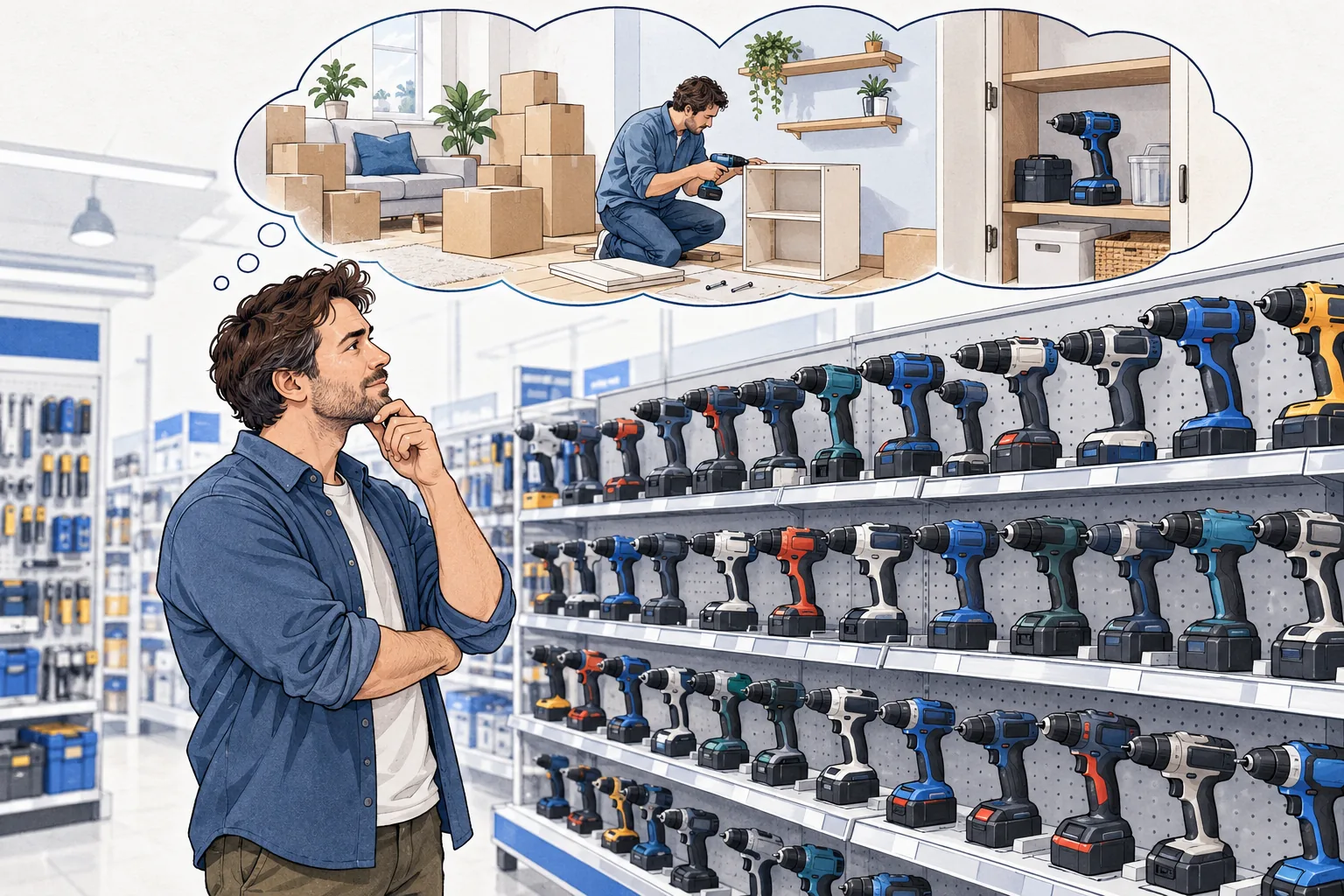
A conversation the specifications did not cover
He picks a customer who bought this drill and calls. He wants to ask whether they liked everything, but that answer will not do much for the description. So he starts somewhere else: why did you choose this particular model?
In our story, the customer talks about moving house. He needed to assemble furniture, put up a shelf and then keep the tool at home, so he would not have to borrow the neighbour’s again. He had looked at more expensive models too. But he was not buying a tool for daily work.
The owner returns to the product page. It has specifications that help compare models. But the situation the customer has just described is missing. The text makes it hard to tell which jobs around the home this product might suit, or where its limits lie.
‘A reliable helper’ did not explain that. The story about moving house has given him a specific question to answer: would this model suit someone who occasionally needs a tool for jobs at home?
He will need to check the answer against the model’s intended use and limitations. But now he knows what to look for in the documentation and what to explain on the page.
The next customer makes a different choice
Now imagine someone who uses a tool every day. That conversation will bring up different questions. Is it comfortable to hold for a long time? Can a flat battery be swapped out? Which adjustments does this model offer, and does he need them for his work?
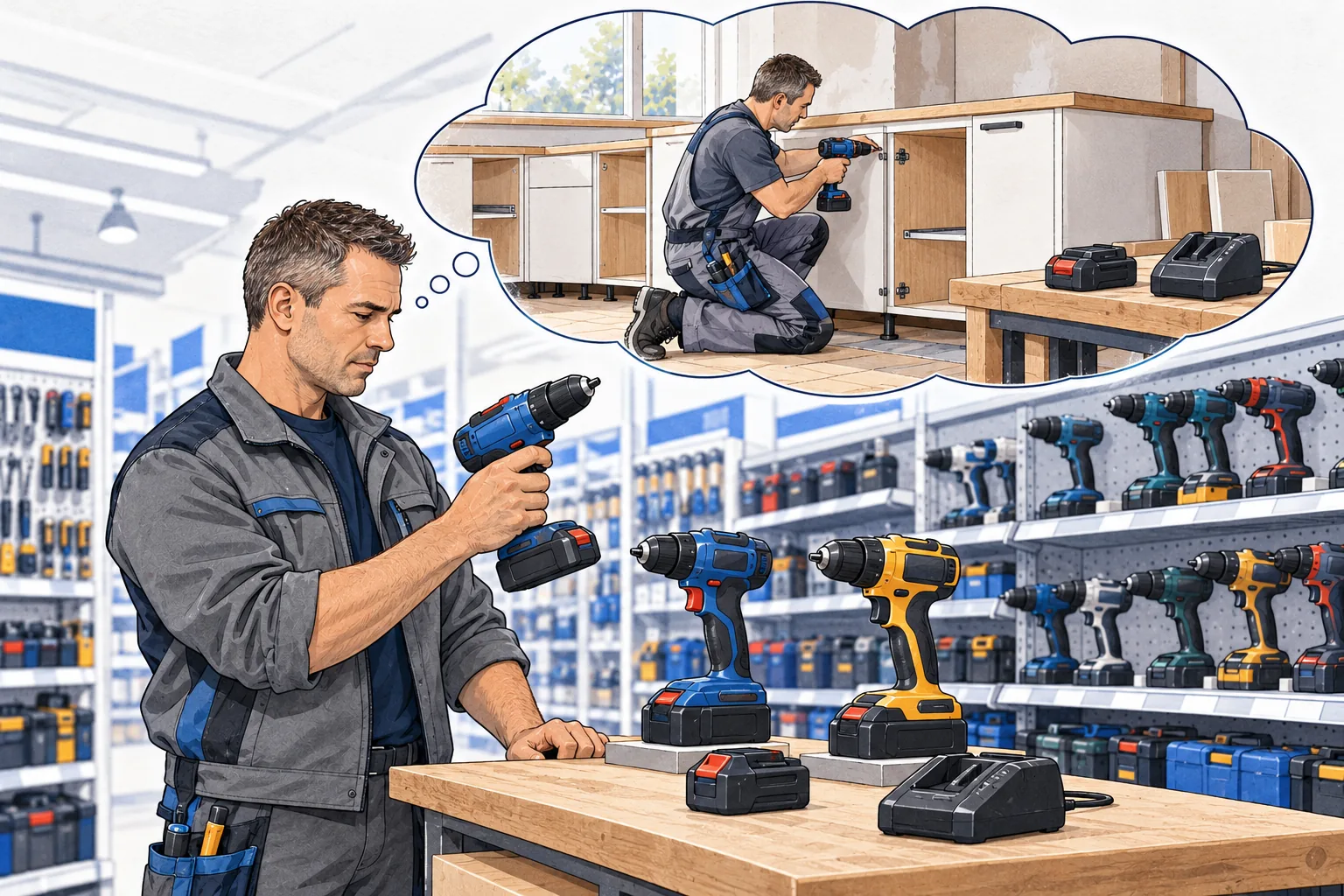
The same specifications now mean something. Weight relates to how the person will work. What is included relates to what he needs immediately and what he will have to buy separately. A replaceable battery relates to how he organises his working day.
Blend both customers into one ‘all-purpose helper’ and the description becomes vague again. One needs to know whether the tool will handle jobs at home. The other is checking whether it suits daily work. The product page should help each of them work that out.
So the owner does not put the first story he hears straight into the headline. He keeps calling buyers of this same model. He asks what they compared it with, why they settled on it, what they have done with it so far and how it performed. He notes the differences between their answers too.
Separately, he asks why they ordered from his shop. In our story, one person chose collection. That is a useful clue for the shop’s page, but it says nothing about the drill’s strengths. Collection options should be easier to spot near the purchase controls; the product description should keep to the product itself.
The page starts to reflect the person who needs it
After the calls, the owner opens the editor again. Now he has something to work with.
At the start of the page, he explains which tasks the model is intended for. He keeps the specifications below and helps readers interpret those that mattered to customers. If people asked about storage, he makes dimensions more prominent. If they were confused about what was included, he shows what is in the box and what must be bought separately. He checks every edit against the information for this particular product.
He chooses photographs and graphics around the same questions. What needs a close-up? Which detail needs a label? Which feature is hard to understand from a general photograph? The image now has a specific job: to help someone choose.
It is easy to get carried away here. A customer may have successfully used the tool in a way the manufacturer does not specify. Their story helps explain the need, but that experience cannot become a promise to everyone. The owner keeps only claims he can substantiate for his model.
The page starts answering a real person’s questions: what do I need this product for, what will I get in the box, and which limitations should I consider? The specifications are still there. Now the reader knows why to look at them.

The other product pages will get their turn
At some point, the owner looks at the whole catalogue. He cannot investigate every product this thoroughly at once. So he starts with one that already sells: there are customers to speak to and a specific page to improve.
For the other items, he builds a basic description by product type: intended use, model, specifications that matter when choosing, what is included and limitations. He fills it with verified information. He gradually adds detailed conversations and hands-on editing where he has decided to investigate customer choice more closely.
He keeps two versions of the first updated page: before and after the edit. He records the date of the change. If sales then grow, he should look at what else was happening: did the price change, did the product come back into stock, did more visitors arrive? A change at the same time is not enough to attribute growth to the copy.
But he can already open the page and check his work. Will the buyer who has recently moved find an answer to his question? Can someone choosing a tool for daily work understand what the model can do?
That was the conversation to start with, before finding yet another adjective to put in front of ‘cordless drill’.
Conversion Rate Formula and What One Extra Point Is Worth
Learn which of the Google Ads, GA4 and shop rates to judge your ads by. Going from 2.7% to 3.7% lifts ROAS 37% if average order value and cost per click hold.
Ecommerce Conversion Rate Optimisation That Shows in ROAS
A step-by-step order for raising your store's conversion rate from Google Ads, starting with a check that the conversions you optimise are real.
Abandoned Cart Emails: How Many, How Soon, Who Gets Credit
Get a send schedule for abandoned cart and browse emails, and see why an order your email brings back can also count as a Google Ads conversion.
Ecommerce Email Marketing: Which Flows First, What They Add
See which emails and SMS to set up first alongside Google Ads, and how a holdout test shows whether a flow adds orders or claims orders your ads brought.
Ecommerce Customer Retention for Stores on Google Ads
A plan to bring buyers back to a store that grows on Google Ads, and four signs that moving budget from new buyers to past buyers makes sense.